How Much Are You Really Paying for 6 Different Business Tools?
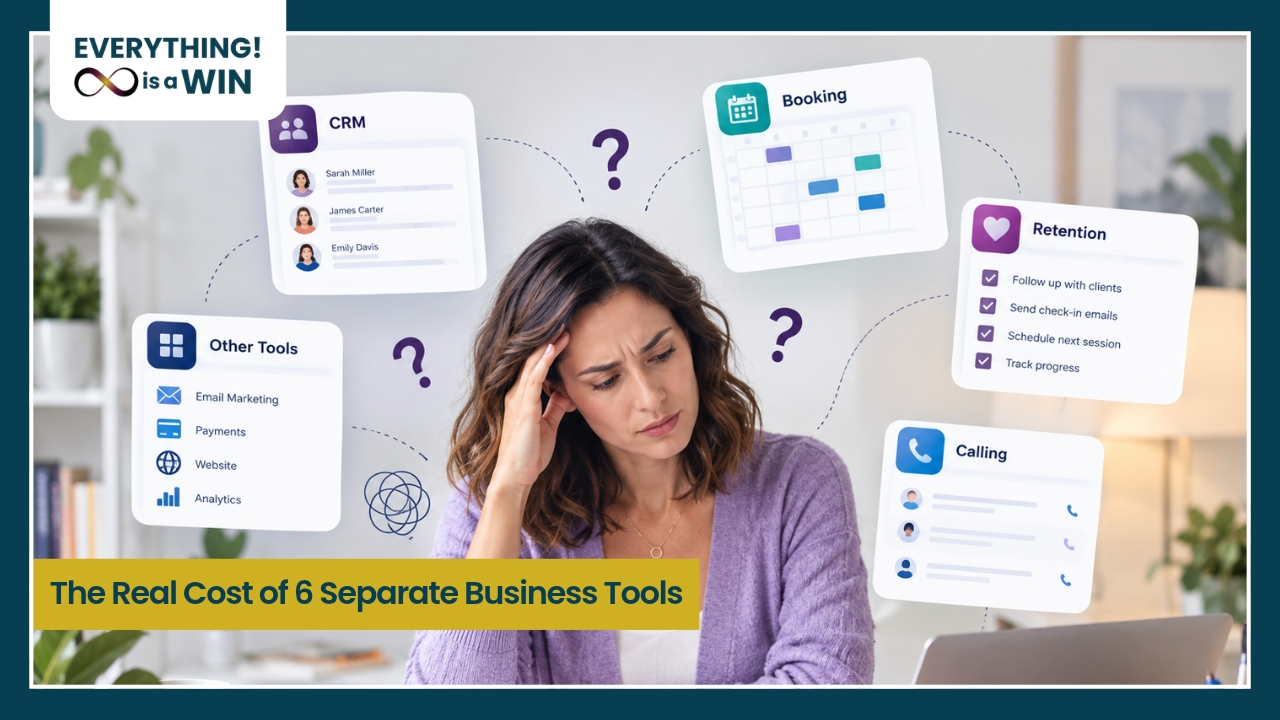
A scheduler here. An email platform there. A separate CRM, a course platform, a social media scheduler, maybe a form builder you forgot you were even paying for. None of it happened on purpose. Each tool solved one problem when you needed it, and somewhere along the way, running your business turned into managing a small software stack.
The Cost You Can See
Add up the monthly cost of a scheduler, an email platform, a CRM, a course host, a social scheduler, and a funnel or landing page tool, and most solo practitioners are paying for more separate subscriptions than they realize, often for features that overlap or duplicate each other entirely. If you want to see exactly what a connected system would look like instead, the all-in-one business software overview lays it out clearly.
The Cost You Can't See on a Statement
The mental overhead of remembering which platform does what, and where a specific piece of client information actually lives.
The time lost logging into five different places to do one task that should take a single step.
The risk of things falling through the cracks when tools don't talk to each other and nothing automatically connects a lead to a follow-up to a booked call.
The onboarding tax every time you bring on a new assistant and have to explain how five separate systems fit together.
According to Entrepreneur, software overload happens when teams keep stacking tools that individually promise efficiency but collectively create complexity, fragmentation, and hidden costs that slow work down.
One Platform, Instead of a Patchwork
This is exactly what an all-in-one business platform is meant to solve. Not by cramming in more features for their own sake, but by putting your CRM, scheduling, email and SMS, and client management in one connected place, so you and anyone helping you can actually see the whole business at once.
And when leads do come in, they go somewhere, because automated follow-up runs the moment someone reaches out, without you having to remember to do it manually.
The point was never to collect more tools. It was to stop needing so many of them.
Frequently Asked Questions
How much do most solopreneurs spend monthly on separate business tools combined?
It varies widely, but between a scheduler, email platform, CRM, course host, and social media scheduler, the combined monthly cost adds up quickly, often more than most business owners expect when they actually total it.
What tools do most coaches end up paying for separately before consolidating?
Commonly a scheduling app, an email marketing platform, a separate CRM, a course or membership host, a social media scheduler, and sometimes a funnel or landing page builder on top of all of it.
Is an all-in-one platform actually cheaper than several separate subscriptions?
In most cases, yes, since you're paying for one connected system instead of stacking several individual subscriptions that each charge separately, often for overlapping features. See everything that's included in the platform and compare it to what you're currently paying for across separate tools.
What hidden costs come with juggling multiple disconnected business tools?
The biggest ones are time (switching between platforms to do one task), mental overhead (remembering what lives where), and the risk of dropped leads when tools don't automatically connect to each other. For a deeper look at how this plays out for coaches specifically, this post on client retention and follow-up systems is worth reading.
How much time is lost switching between different apps and platforms each week?
This varies by business, but the pattern is consistent: business owners using several disconnected tools consistently report spending meaningful time each week just managing the software itself, time that isn't spent with clients.
What should I look for before switching from multiple tools to one platform?
Look for a platform that genuinely covers your core needs (CRM, scheduling, follow-up, and communication), plus real support to help you migrate and set it up, rather than leaving you to rebuild everything alone. If you're not sure where to start, watching the demo is a good way to see how it all fits together before committing to anything.
See What Consolidating Actually Looks Like
You don't have to keep piecing it together. One connected system can replace the patchwork, without you losing what already works.
Book a free demo and see what moving to one platform would actually look like for your business.